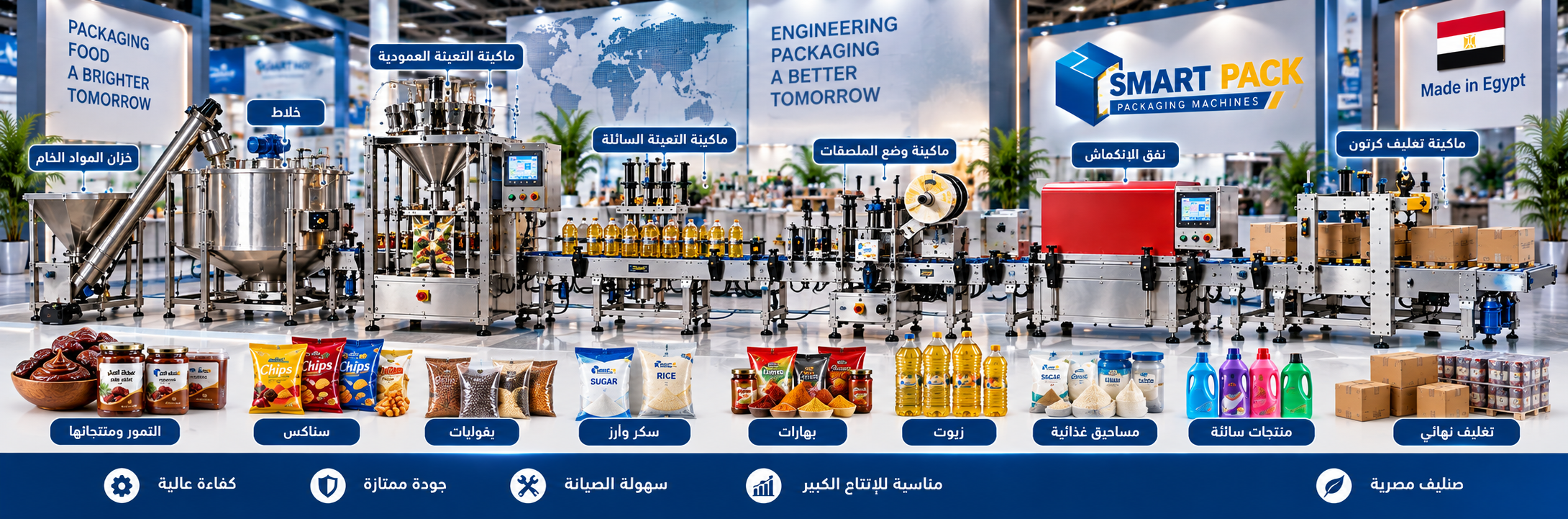
Product Description
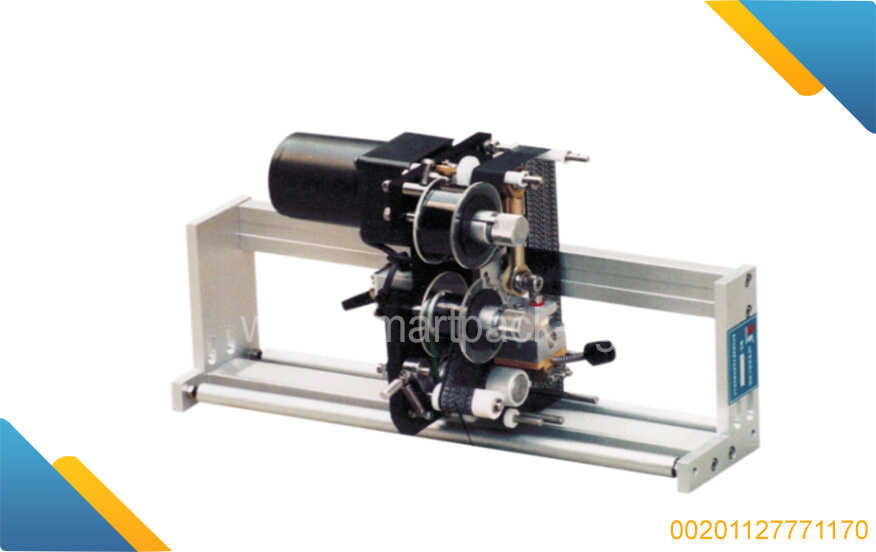
Best Industrial Expiry Date & Batch Coding Machine
✨ Crystal-clear expiry printing… every mark makes a difference
✨ Boost your production line with consistent, stable printing
✨ Clear expiry dates = stronger consumer trust
✨ Simple user interface… powerful performance with zero downtime
✨ Invest in a machine that elevates your product value and enhances professionalism
Every supermarket product carries a tiny detail with massive impact: the expiry date.
Accurate, clear printing of this information ensures consumer safety and strengthens customer confidence.
Smartpack’s Industrial Expiry Date Printing Machine is the ideal solution for fast, precise, and legible date coding—making your production lines more organized, efficient, and error-free.
(smartpack-eg.com)
General Description
The Expiry Date & Batch Coding Machine prints clear, accurate dates on bottles, packages, and cartons—fully compliant with industrial standards and quality requirements.
Its robust design ensures fast performance and stable print quality, while its easy-to-use control panel allows operators to run the machine smoothly, even with minimal experience.
(smartpack-eg.com)
Key Features of the Expiry Date Printing Machine
High-Precision, Clear Printing
Provides excellent print resolution to ensure every number and character is sharp, readable, and consistent—even under various lighting conditions.
Excellent Operating Speed
Capable of printing expiry dates at high speeds that match fast production lines.
Easy-to-Use Interface
Simple control panel enables operators to configure printing parameters efficiently.
Heavy-Duty Industrial Design
Built to withstand continuous factory operation without performance drop.
Technical Specifications
| Item | Specification |
|---|---|
| Product Type | Expiry Date Printing Machine |
| Printing Type | High-resolution digital printing |
| Printable Materials | Bottles, packages, cartons |
| Printing Speed | High, continuous printing |
| Control System | Easy-touch control panel |
| Performance | Stable, durable, and clear print marking |
| Application | Industrial production lines |
Operation – Maintenance – Quality Check
Operation
-
Place the product in the designated printing area.
-
Set the required date through the control panel.
-
Start the machine—the date is printed immediately.
-
Inspect the product to confirm clear printing.
Maintenance
✔ Regular cleaning of the print head
✔ Check electronic components
✔ Ensure ink supply is sufficient and continuous
✔ Remove ink buildup to maintain print clarity
Quality Check
✔ Verify date clarity on each product
✔ Test printing speed and stability
✔ Monitor for repeated dots, smudges, or number errors
Spare Parts – Recommended Operating Hours
Essential Spare Parts
✔ Print heads
✔ Ink cartridges
✔ Product sensors
✔ Wiring & feeding system components
✔ Control panels
Optimal Operating Hours
The machine can run 8–16 hours daily without interruption, requiring only light periodic maintenance to maintain performance stability.
Operating Conditions – Commercial Terms – Control System
Technical Requirements
✔ Stable power supply
✔ Adequate operating space
✔ Proper ventilation around installation area
Commercial Terms
✔ Full Smartpack warranty
✔ Operator training included
✔ After-sales support and technical assistance
Control System
✔ Simplified, user-friendly control panel
✔ High safety operation
✔ Ability to save recurring settings for faster workflow
Contracting Process
1️⃣ Contact the Smartpack team
2️⃣ Define your production needs and printing materials
3️⃣ Receive a detailed price quotation
4️⃣ Sign the agreement
5️⃣ Installation + operation + training + long-term follow-up
FAQ – Frequently Asked Questions
Is the machine compatible with all types of packaging?
✔ Yes, it prints on plastic bottles, glass containers, and carton boxes.
Does it require operator experience?
✔ No, it’s easy to operate after brief training.
Does it slow down production?
✔ Not at all! It operates at high speed without affecting the production flow.
Can it print multiple dates for different batches?
✔ Yes, you can configure the system to print various dates as needed.
Does it require complex maintenance?
✔ No, just simple periodic cleaning and routine checks.
 عدد الزوار 4407
related products
-
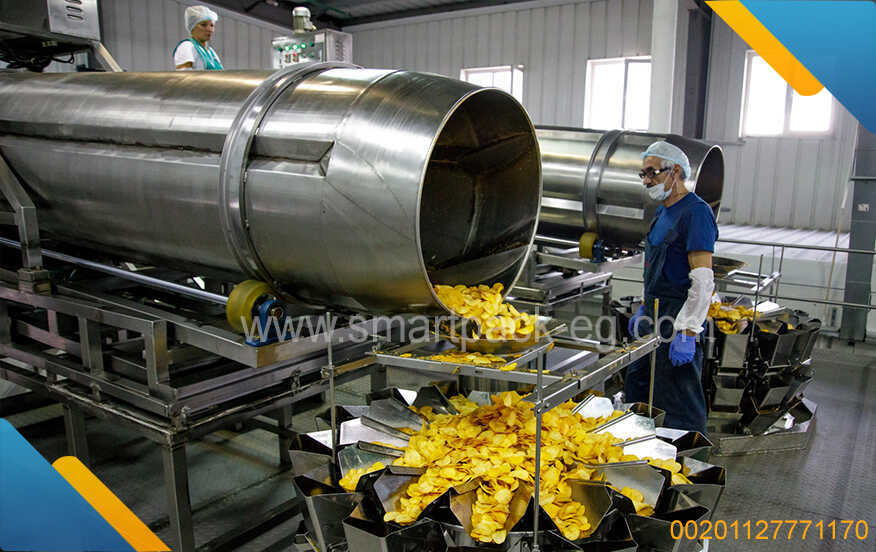 Professional corn chips and popcorn production lines – powerful performance
-
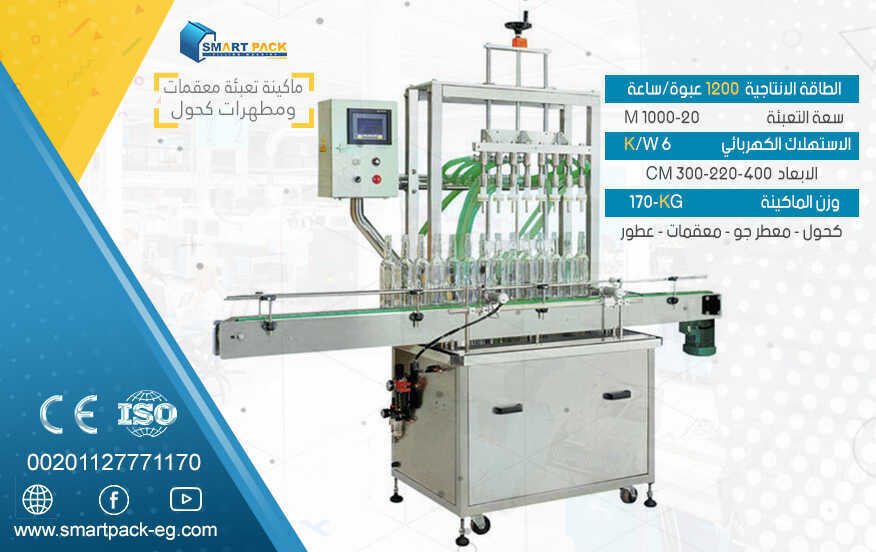 Food and chemical production & packaging line | Industrial filling and packaging
-
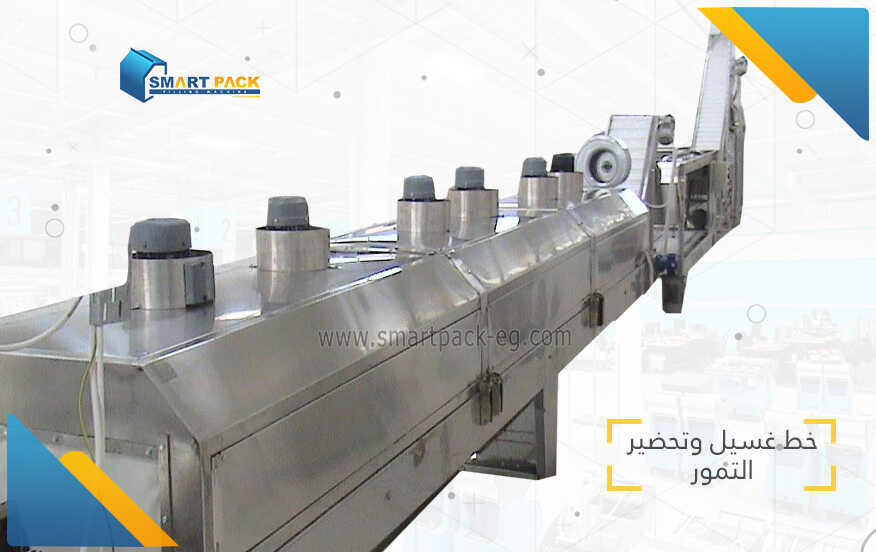 The best date processing and packaging production lines in Egypt
-
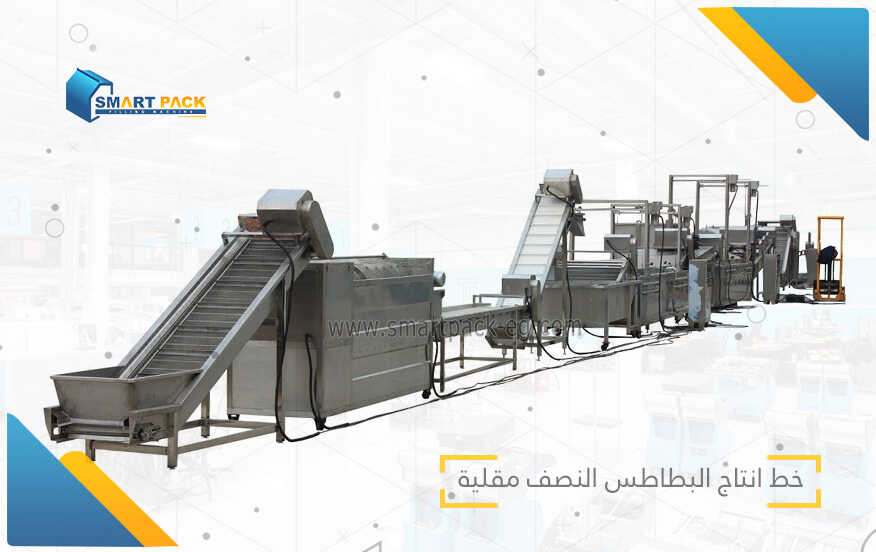 Complete solutions for a French fries production line – from washing to final packaging.
-
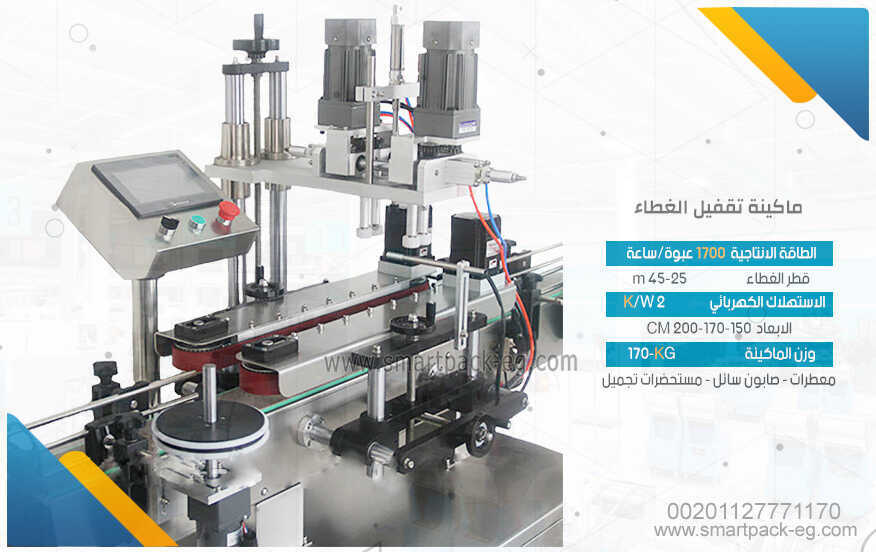 Cap placement and sealing machines – durable design and reliable technology
-
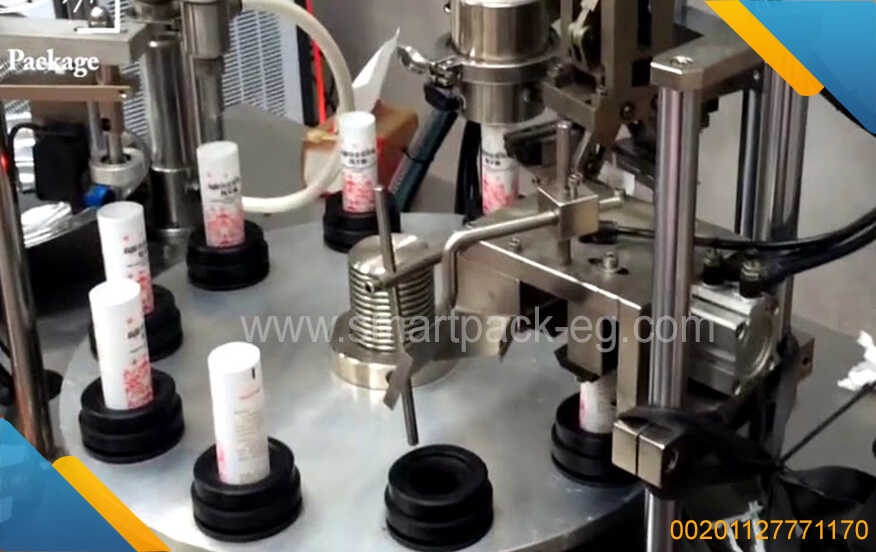 Plastic tube filling machines – exceptional performance for filling liquid and paste
-
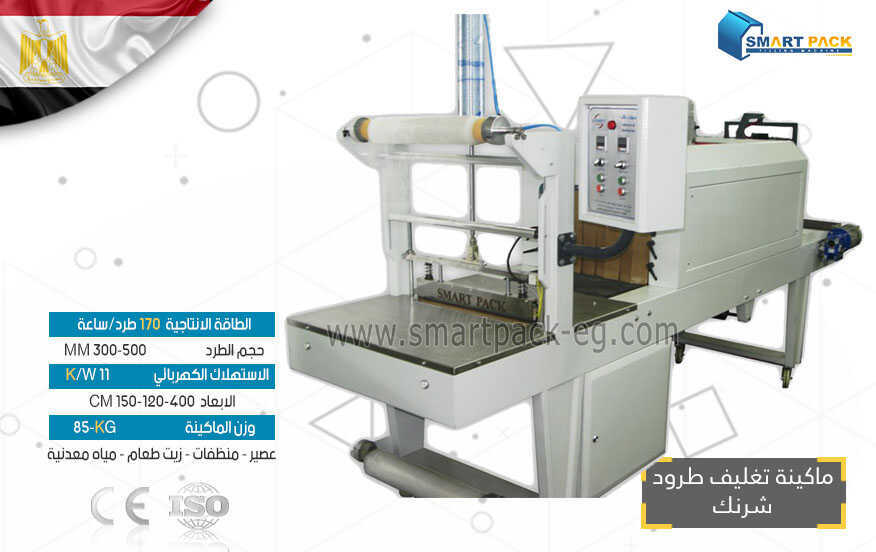 Heat Shrink Wrapping and Vacuum Packaging Machines
-
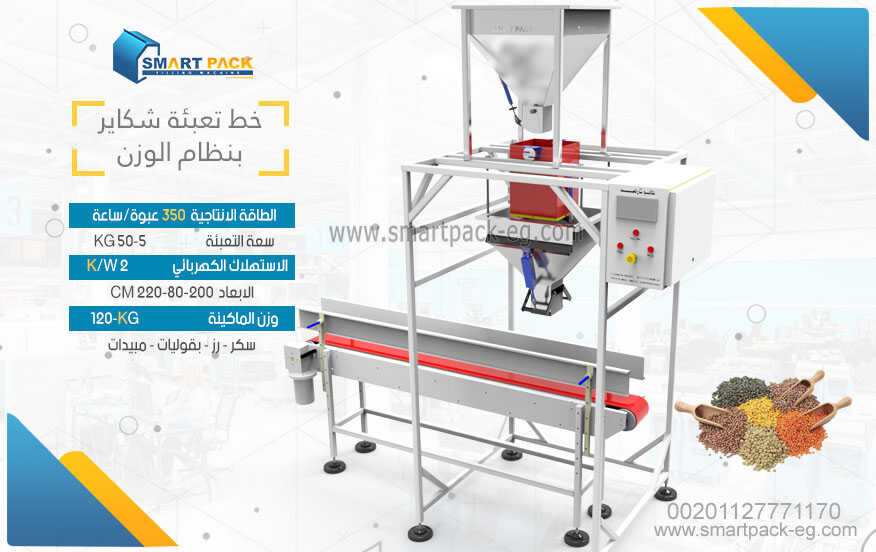 Bag filling machines for sacks and bags – industrial solutions for filling cement
-
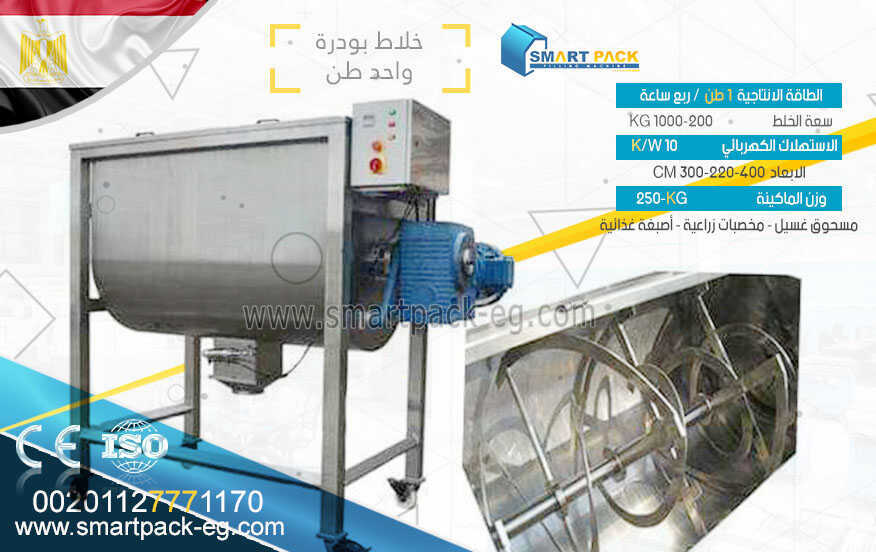 Powder mixing machines, powder mixer, ribbon blender – advanced mixing solutions for food
-
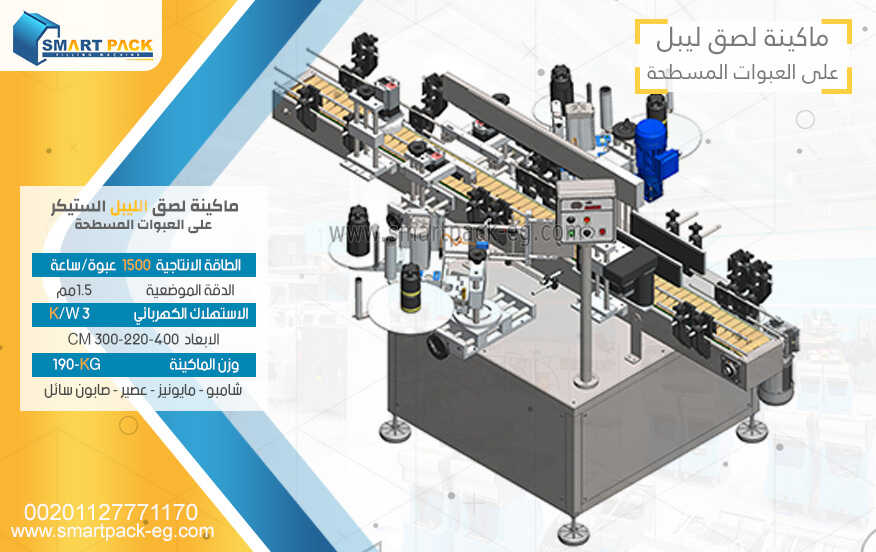 Sticker labeling machines for bottles and containers – fast performance and excellent
-
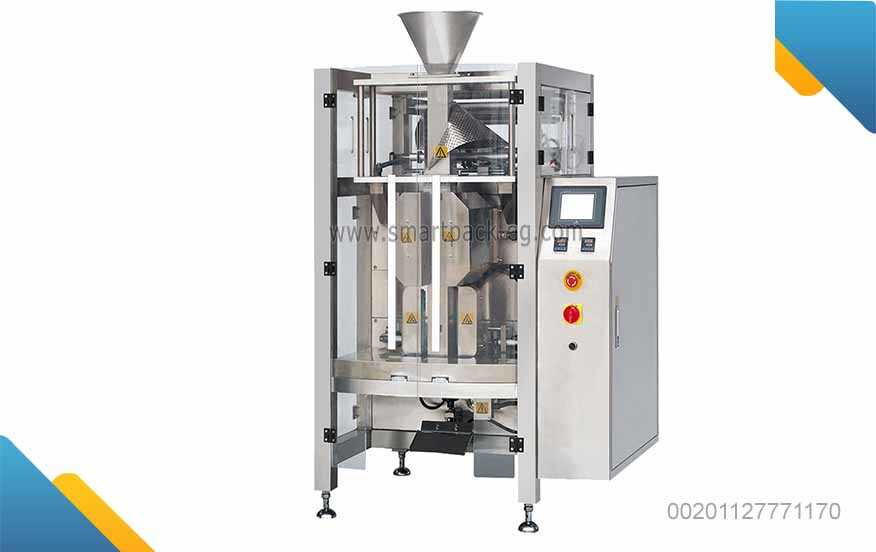 Filling and packaging machines Volumetric
-
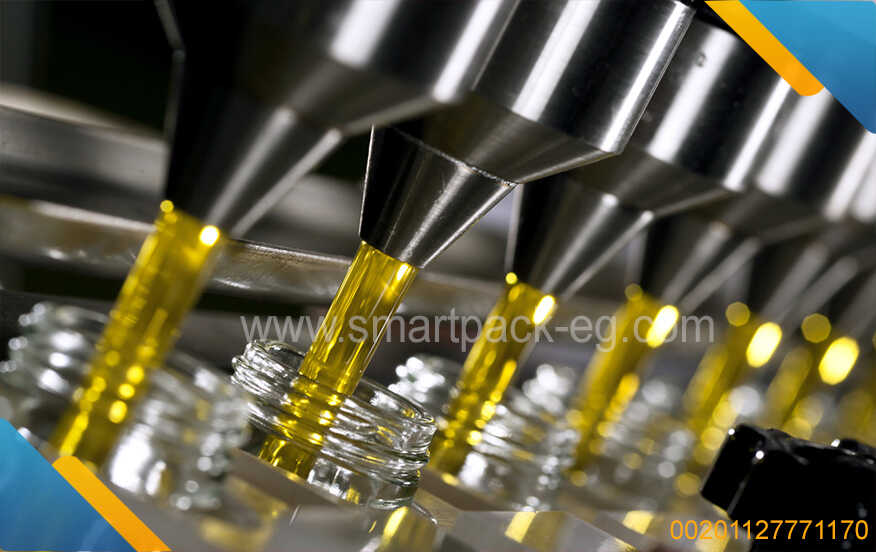 liquid filling machines
-
Professional corn chips and popcorn production lines – powerful performance
-
Food and chemical production & packaging line | Industrial filling and packaging
-
The best date processing and packaging production lines in Egypt
-
Complete solutions for a French fries production line – from washing to final packaging.
-
Cap placement and sealing machines – durable design and reliable technology
-
Plastic tube filling machines – exceptional performance for filling liquid and paste
-
Heat Shrink Wrapping and Vacuum Packaging Machines
-
Bag filling machines for sacks and bags – industrial solutions for filling cement
-
Powder mixing machines, powder mixer, ribbon blender – advanced mixing solutions for food
-
Sticker labeling machines for bottles and containers – fast performance and excellent
-
Filling and packaging machines Volumetric
-
liquid filling machines