Product Description
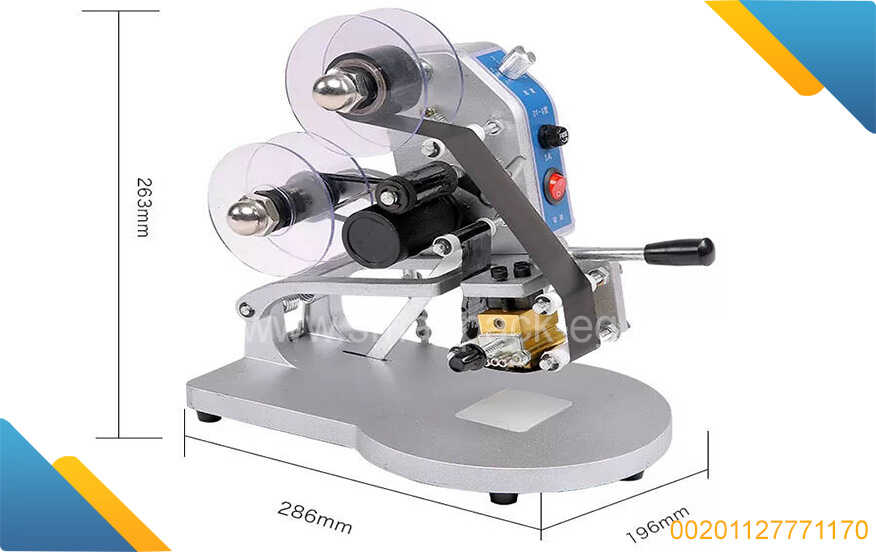
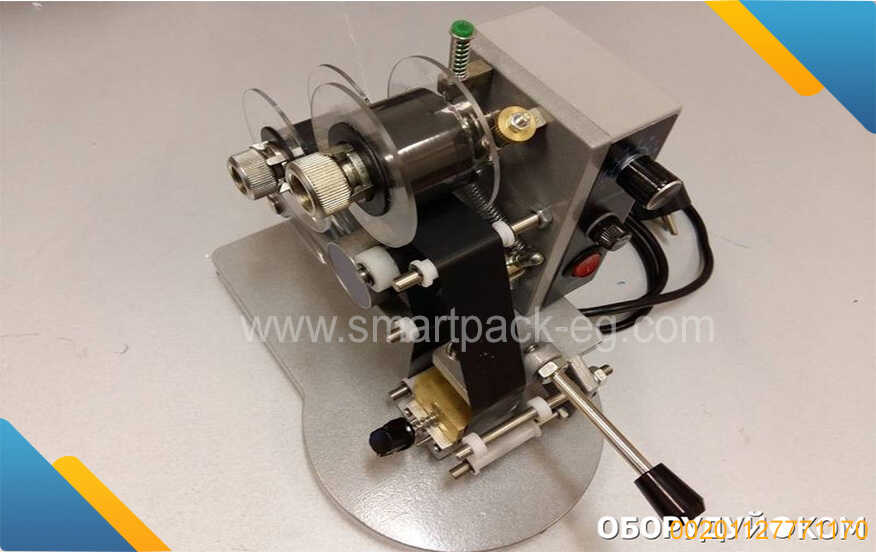
Handheld Ribbon Inkjet Printer – Smartpack
Experience complete control over every printing detail with crisp, high-contrast results that elevate your product presentation and boost your market impact.
The Smartpack Handheld Ribbon Inkjet Printer is the ideal solution for factories and businesses seeking direct control and high-precision printing on various packages and surfaces. Built for durability and effortless operation, it ensures every print is smooth, accurate, and consistent—perfect for medium and small production lines that require versatility without compromising quality.
⚙️ Technical Specifications
Robust Machine Structure
-
Engineered with a solid, high-quality metal frame for stable, long-term performance.
-
Its compact design provides easy access to all components during operation and maintenance.
-
The reinforced body ensures consistent accuracy without performance drop-off.
Manual Inkjet Printing System
-
Utilizes Inkjet spray technology for sharp, readable text, codes, and dates.
-
Delivers excellent clarity even on challenging materials such as plastic, glass, and metal.
-
Manual control allows flexible and precise execution based on your production needs.
Simple Control Interface
-
Equipped with an easy-to-use interface for quick input and adjustments.
-
Allows control of printing speed, ink density, and output format according to product type.
-
Enables fast entry of text, codes, and dates for continuous workflow.
Versatile Printing Applications
-
Prints codes, dates, serial numbers, and identification text with high accuracy.
-
Works seamlessly on a wide range of packages and labeling surfaces.
-
Designed for manual-operating production environments and medium-scale manufacturing.
Operation – Maintenance – Inspection
Operation
-
Begin by setting ink and printing data from the control panel.
-
The print head is moved manually across the surface to achieve optimal results.
-
Manual handling gives you complete control over every print detail.
Maintenance
-
Clean ink nozzles after each cycle to reduce clogging and maintain print quality.
-
Periodically inspect sensors to ensure compliance with required specifications.
-
Keep packaging surfaces free of dust to maintain consistent, professional print output.
Technical Inspection
-
Check printed text for clarity and ink stability.
-
Ensure uniform line height and proper alignment of printed symbols.
-
Review output for gaps or inconsistencies to guarantee optimal results.
 عدد الزوار 5015
related products
-
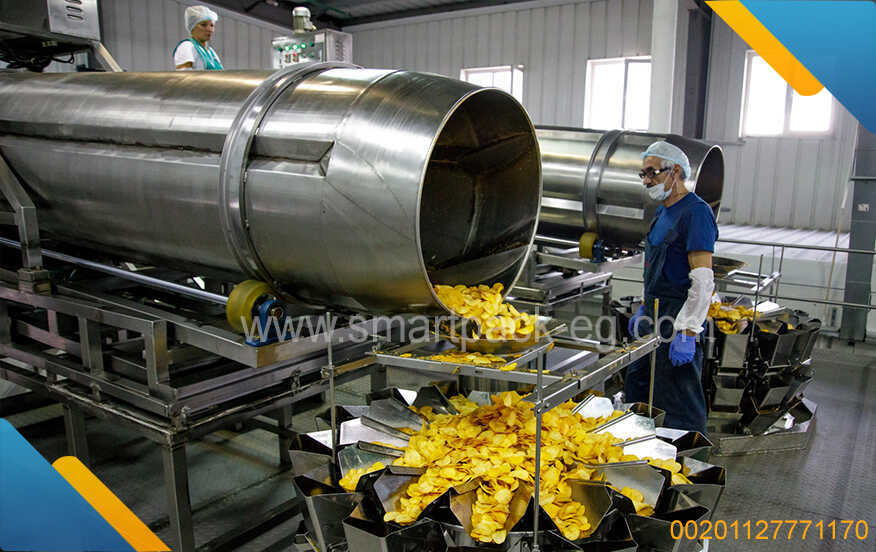 Professional corn chips and popcorn production lines – powerful performance
-
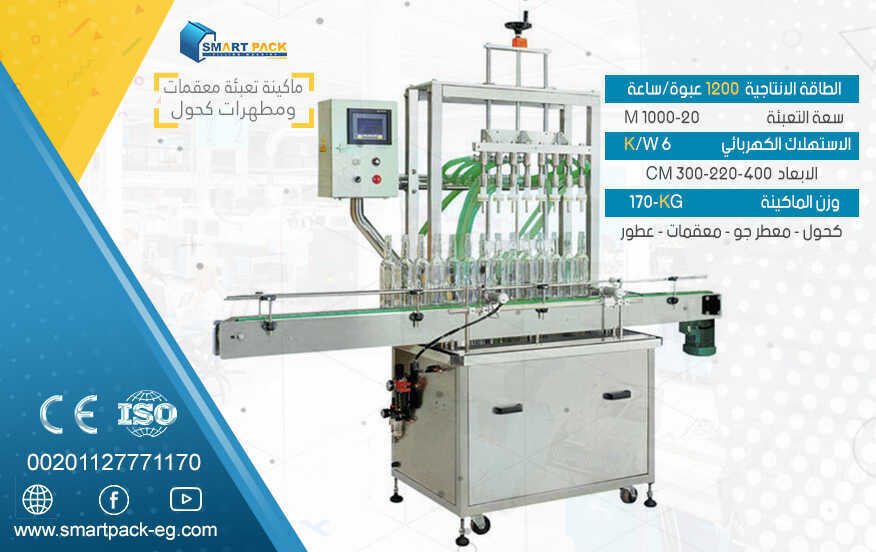 Food and chemical production & packaging line | Industrial filling and packaging
-
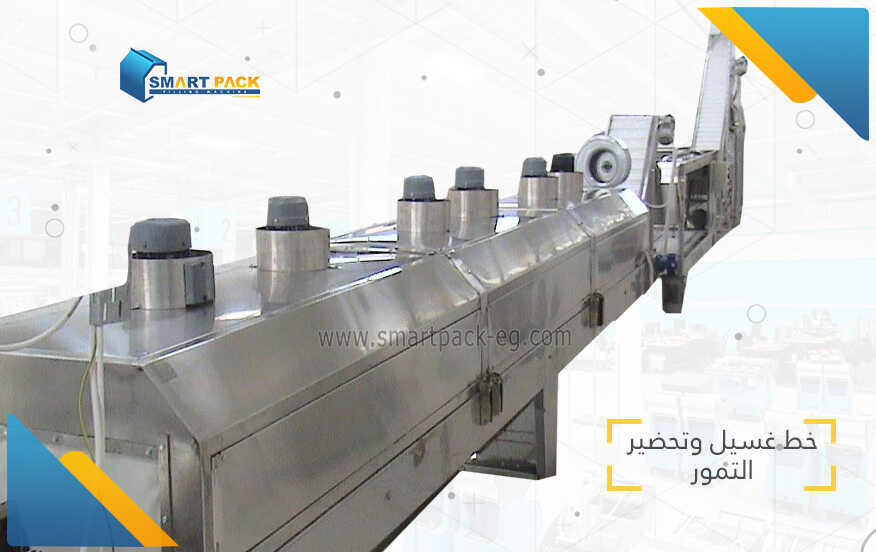 The best date processing and packaging production lines in Egypt
-
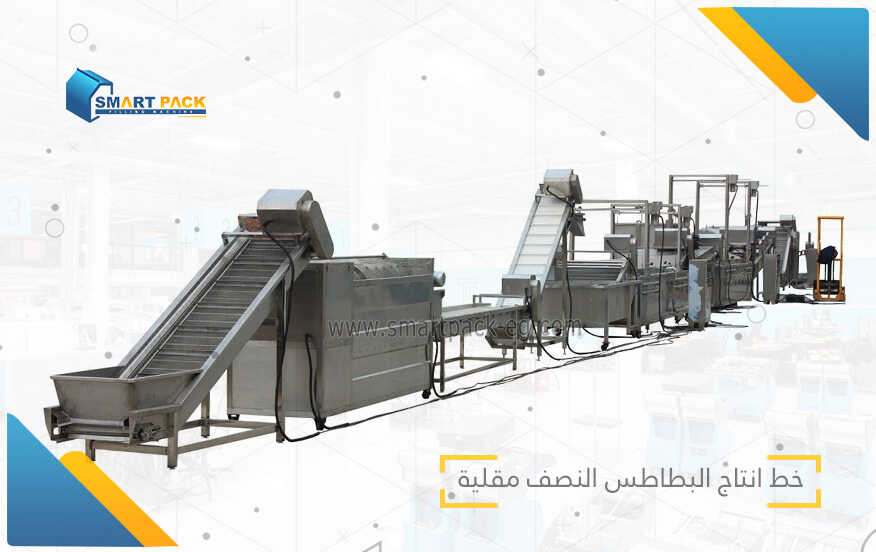 Complete solutions for a French fries production line – from washing to final packaging.
-
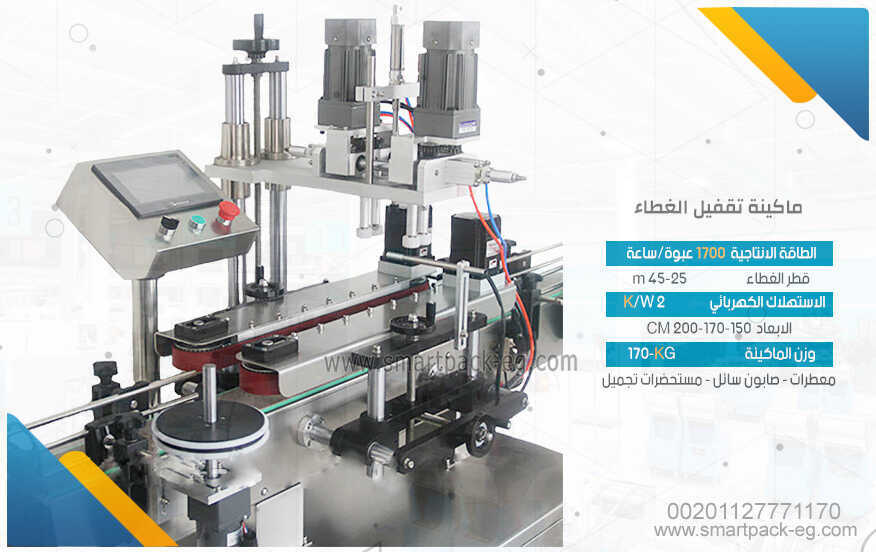 Cap placement and sealing machines – durable design and reliable technology
-
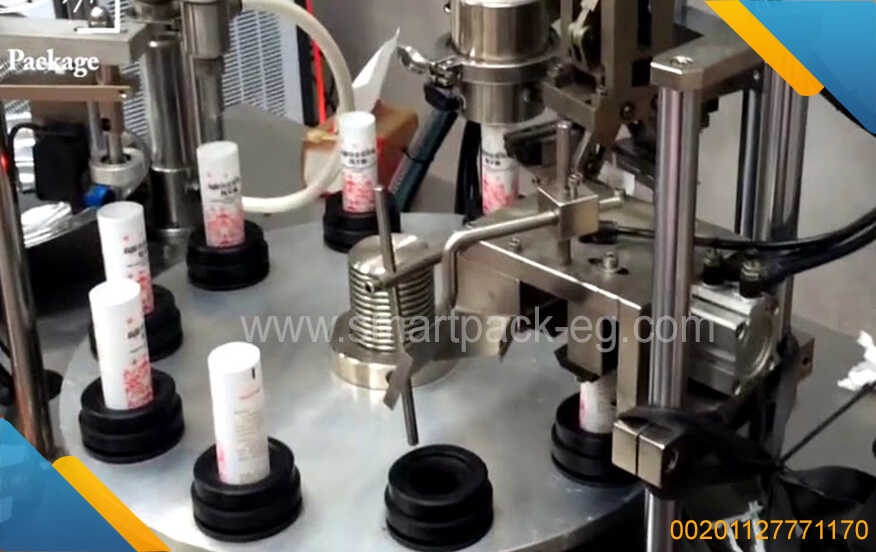 Plastic tube filling machines – exceptional performance for filling liquid and paste
-
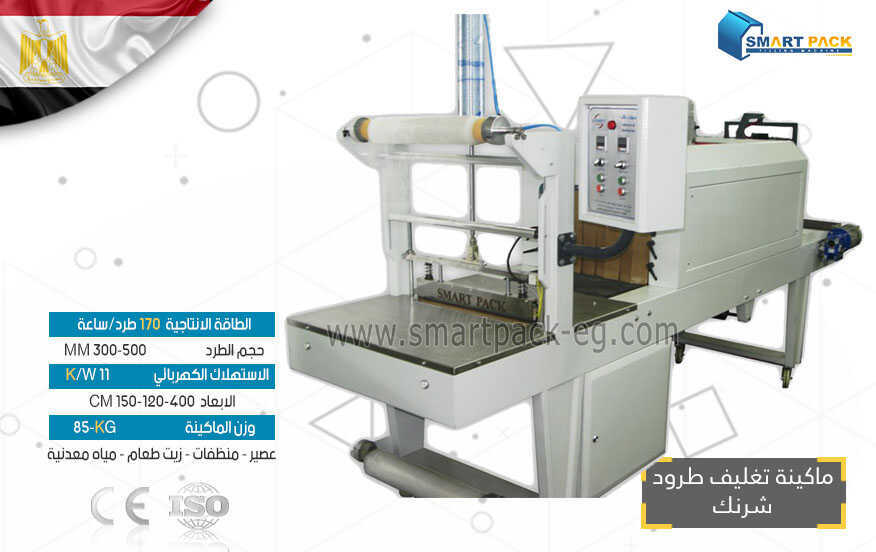 Heat Shrink Wrapping and Vacuum Packaging Machines
-
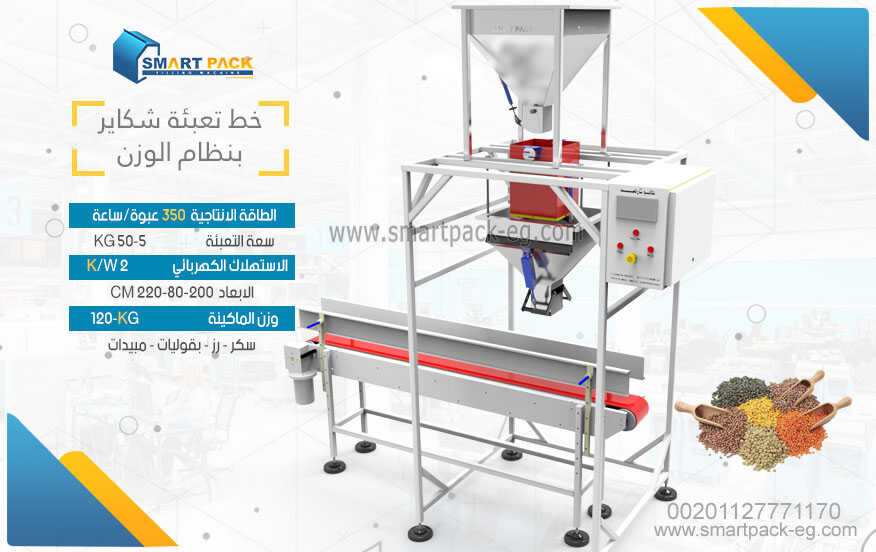 Bag filling machines for sacks and bags – industrial solutions for filling cement
-
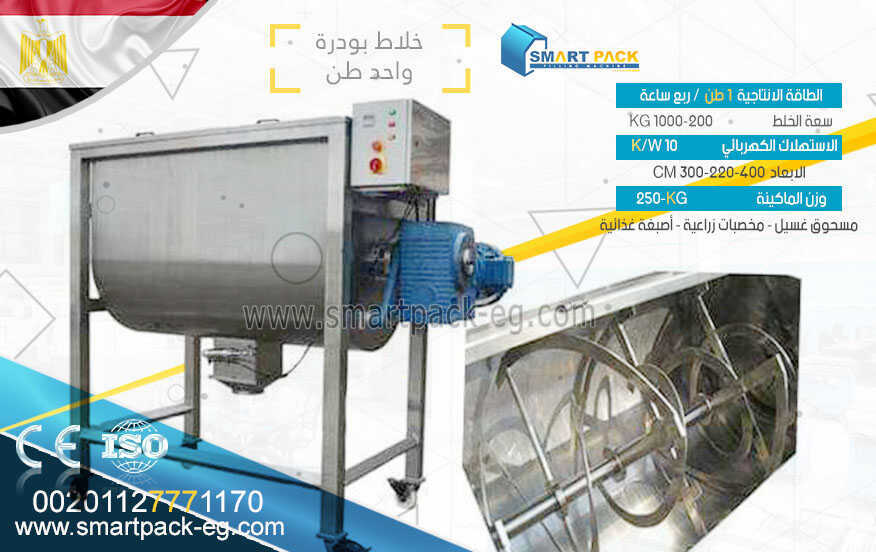 Powder mixing machines, powder mixer, ribbon blender – advanced mixing solutions for food
-
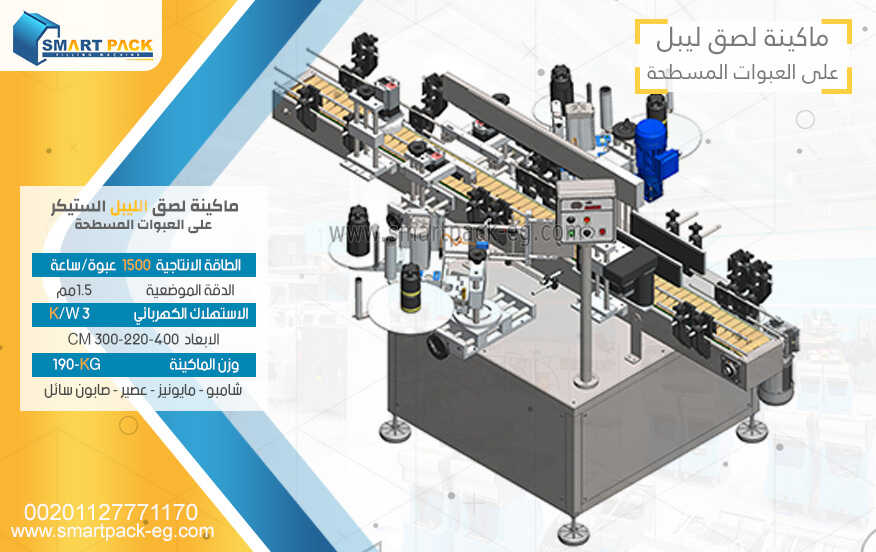 Sticker labeling machines for bottles and containers – fast performance and excellent
-
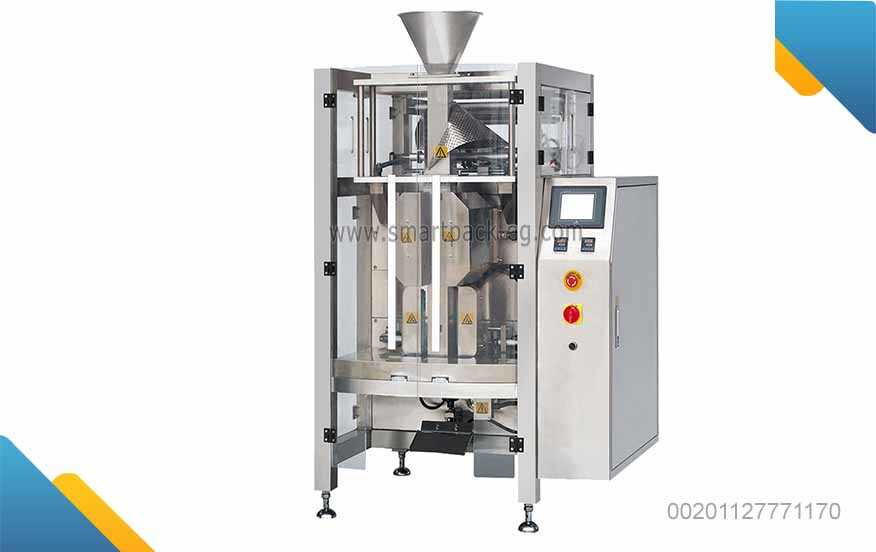 Filling and packaging machines Volumetric
-
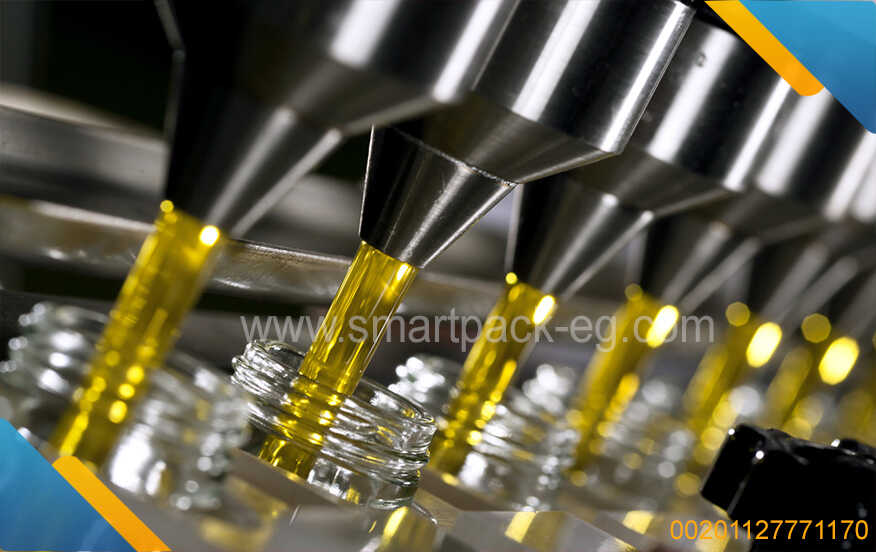 liquid filling machines
-
Professional corn chips and popcorn production lines – powerful performance
-
Food and chemical production & packaging line | Industrial filling and packaging
-
The best date processing and packaging production lines in Egypt
-
Complete solutions for a French fries production line – from washing to final packaging.
-
Cap placement and sealing machines – durable design and reliable technology
-
Plastic tube filling machines – exceptional performance for filling liquid and paste
-
Heat Shrink Wrapping and Vacuum Packaging Machines
-
Bag filling machines for sacks and bags – industrial solutions for filling cement
-
Powder mixing machines, powder mixer, ribbon blender – advanced mixing solutions for food
-
Sticker labeling machines for bottles and containers – fast performance and excellent
-
Filling and packaging machines Volumetric
-
liquid filling machines